

Make ing apps demystified: Search screens
How designers make decisions on search screens
When designing a search screen for an app, the goal is to create a user-friendly and efficient experience that allows users to easily find what they are looking for. This involves a thoughtful design that considers the needs and behaviors of the user, as well as the specific context of the app. Here's a detailed look at key considerations and best practices for designing an effective search screen:
User Expectations and Behavior
Understanding how users typically interact with search functions is crucial. Users expect a quick, responsive, and accurate search experience. They often prefer intuitive and straightforward interfaces without unnecessary complexity. Catering to these expectations can significantly enhance user satisfaction and engagement with your app.
Key Elements of an Effective Search Screen
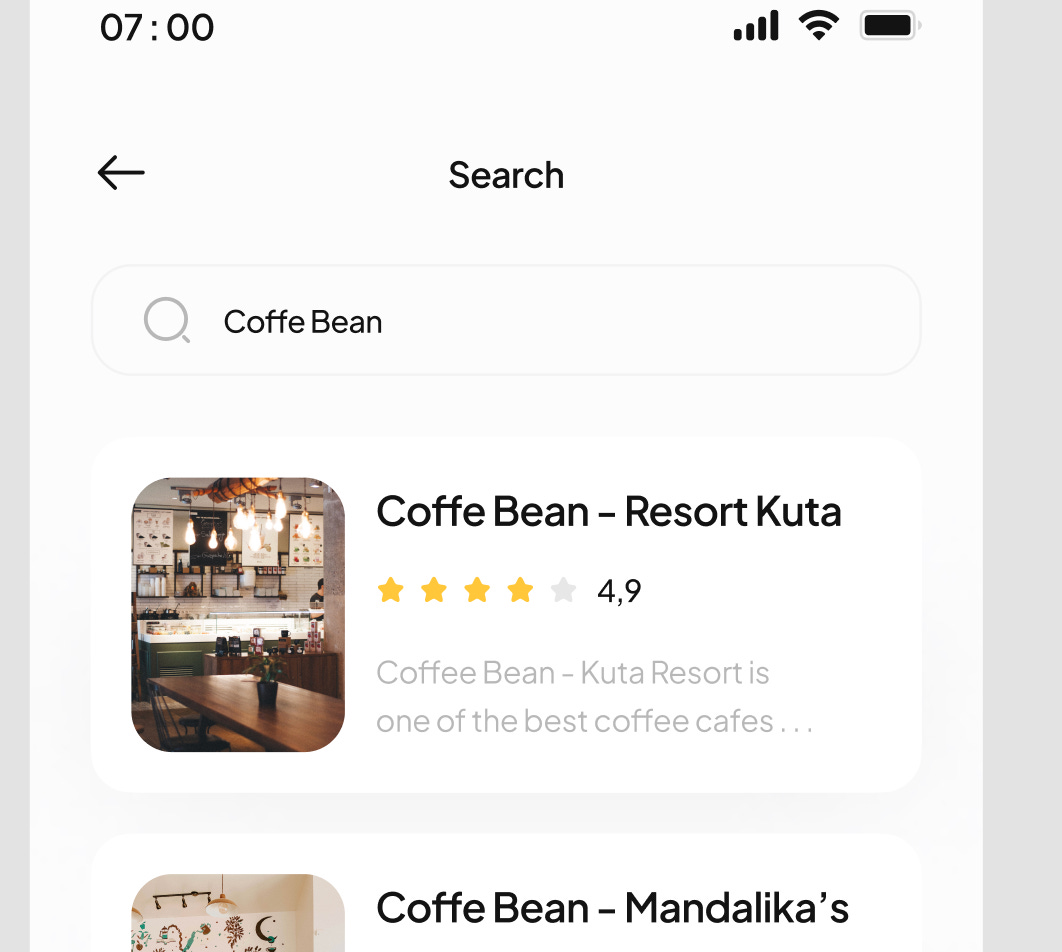
Search Bar Design: The search bar is the focal point of the search screen. It should be prominently placed and easy to locate. Consider using a magnifying glass icon, which is universally recognized as a symbol for search.
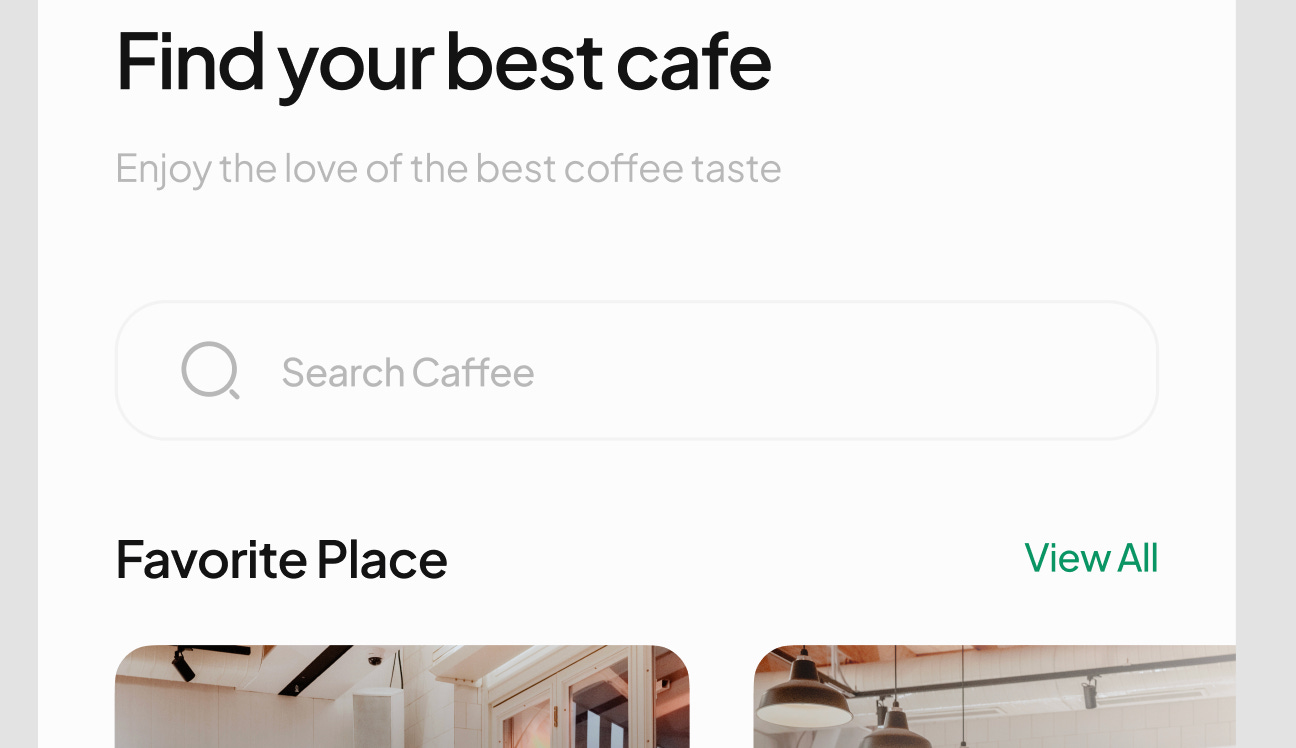
Placeholder Text: Use placeholder text in the search bar to guide users. For instance, "Search for hotels" in a travel app or "Search products" in an e-commerce app. This text can provide contextual clues about what can be searched.
Autocomplete and Suggestions: Implement autocomplete and suggestions to help users find what they need faster. This feature can also help reduce spelling errors and guide users to popular or related searches.
Filtering and Sorting Options: Provide filtering and sorting options to help users refine their search results. This could include filters like price range, color, size, or user ratings, depending on the app's context.
Search History and Recent Searches: Displaying a user’s recent searches or search history can expedite the search process, especially for items that are frequently revisited.
No Results Handling: Design a friendly and helpful "no results found" screen. Offer suggestions, alternative search terms, or the option to contact customer support.

Enhancing Search Functionality
Voice Search Capability: Consider integrating voice search for enhanced accessibility and convenience, especially for mobile users.
Image Search Functionality: For certain types of apps, like fashion or home decor, image search can be a powerful tool, allowing users to upload or capture a photo to find similar items.
Search Result Relevance: Ensure that the search algorithm delivers relevant results. This might involve complex backend work but is crucial for the effectiveness of the search function.
Performance Optimization: The search function should be fast and responsive. Delays or lags can lead to user frustration and reduced app usage.
Analytics and Feedback: Implement analytics to track how users are interacting with the search function and gather feedback for continuous improvement.
Real-World Examples of Effective Search Screens
Amazon (E-commerce): Amazon’s search functionality is robust, offering autocomplete, extensive filters, and personalized recommendations based on user history.
Google Maps (Navigation): Google Maps offers a search experience tailored to location-based queries, with features like suggestions, recent searches, and easy-to-use filters.
Spotify (Music Streaming): Spotify’s search screen is designed for discovering music, with autocomplete suggestions, categorization by genre, artist, and album, and personalized search history.
Airbnb (Travel and Lodging): Airbnb’s search functionality includes filters for dates, type of place, price, and amenities, making it easy for users to find suitable accommodations.
Photo by Jack Delulio on Unsplash

A well-designed search screen is integral to the overall user experience of an app. By focusing on user behavior, incorporating helpful features like autocomplete and filters, and ensuring fast and relevant results, you can create a search screen that effectively meets the needs of your users and enhances their interaction with your app.

Our mission is to make app development accessible and empower everyone to build great products together. Follow us for more.